ops0 connects to AWS using IAM role assumption (STS AssumeRole). This is the only supported method — no long-lived access keys are stored.
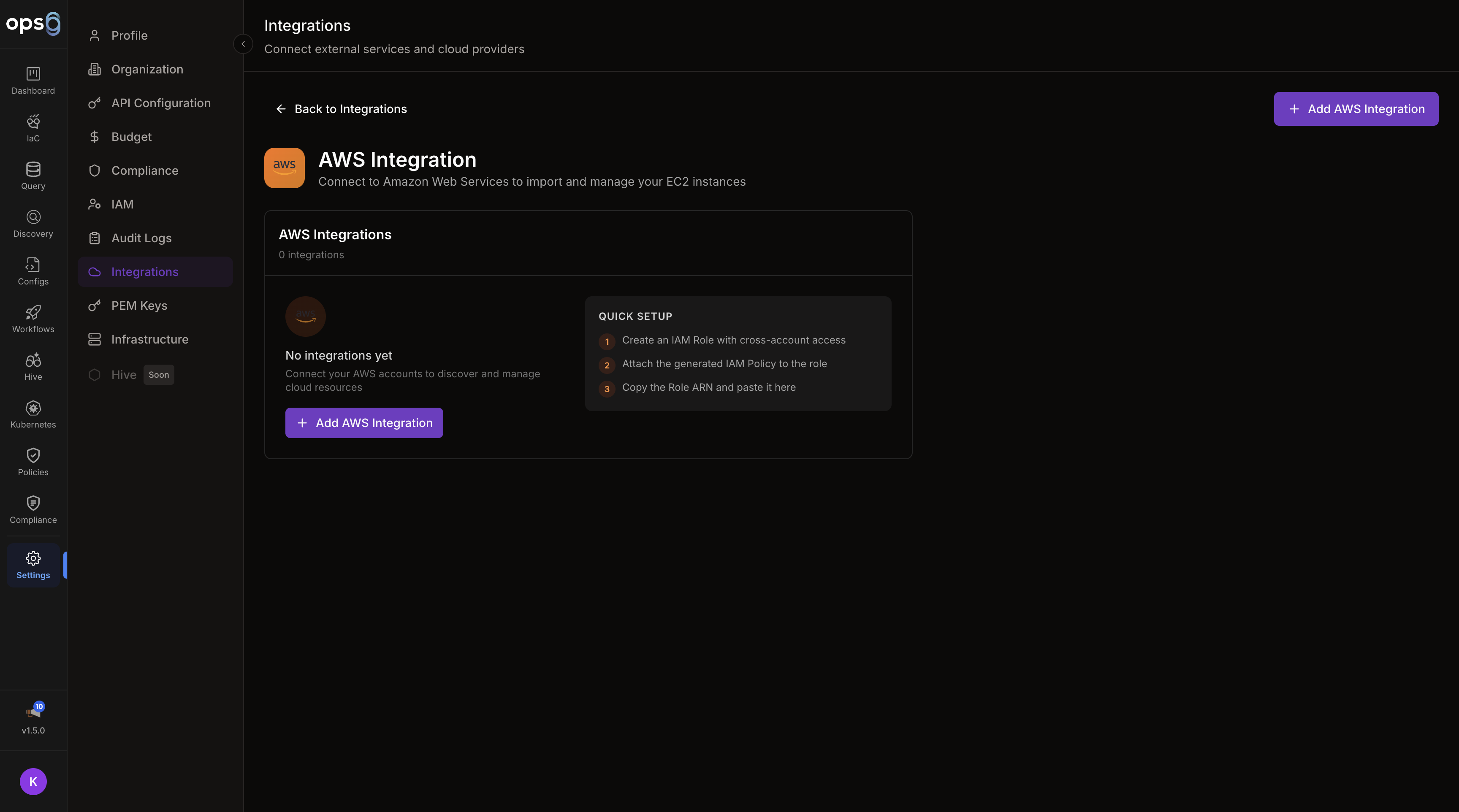
Go to Settings > Integrations > Add Integration.
Choose AWS from the provider list.
Provide the required AWS identifiers and region settings.
Create the IAM role in your AWS account using the trust policy shown in the form.
Click Connect to verify the integration.
| Field | Required | Description |
|---|---|---|
| Name | Yes | Integration display name |
| Role ARN | Yes | ARN of the IAM role ops0 will assume |
| Regions | Yes | One or more AWS regions to use |
ops0 automatically generates a deterministic External ID from your organization ID. You do not create this value — ops0 creates it for you.
To find your External ID:
Always use the External ID shown in the ops0 integration form. Do not generate or substitute your own value — the role assumption will fail if the IDs do not match.
In the AWS Console, create a new IAM role and select Another AWS account as the trusted entity type.
Copy the External ID from the ops0 integration form and use it in the trust policy below.
Grant the role the discovery or deployment permissions you want ops0 to use.
Paste the Role ARN into the integration form in brew.ops0.ai.
Trust Policy
{
  "Version": "2012-10-17",
  "Statement": [
    {
      "Effect": "Allow",
      "Principal": {
        "AWS": "arn:aws:iam::123456789012:root"
      },
      "Action": "sts:AssumeRole",
      "Condition": {
        "StringEquals": {
          "sts:ExternalId": "<paste the External ID shown in the ops0 integration form>"
        }
      }
    }
  ]
}
{
  "Version": "2012-10-17",
  "Statement": [
    {
      "Effect": "Allow",
      "Action": [
        "ec2:*",
        "s3:*",
        "iam:*",
        "rds:*",
        "lambda:*"
      ],
      "Resource": "*"
    }
  ]
}
{
  "Version": "2012-10-17",
  "Statement": [
    {
      "Effect": "Allow",
      "Action": [
        "ec2:Describe*",
        "s3:List*",
        "rds:Describe*",
        "lambda:List*"
      ],
      "Resource": "*"
    }
  ]
}
When connecting an AWS integration, you can scope it to scan across your entire AWS Organization or selected member accounts. This requires the integration to be set up on the management (payer) account.
| Mode | Description |
|---|---|
| Single Account | Scan only the account the role belongs to (default) |
| Organization | Scan all accounts in your AWS Organization |
| Selected Accounts | Scan specific member account IDs you list |
| Field | Description |
|---|---|
| AWS Organization ID | Your org ID (e.g. o-abc123) |
| Management Account ID | Account ID of the management/payer account |
| Member Accounts | Account IDs to include (Selected Accounts mode) |
| Excluded Accounts | Account IDs to skip (Organization mode) |
Add the following to the IAM role policy on the management account:
{
  "Effect": "Allow",
  "Action": [
    "organizations:ListAccounts",
    "organizations:DescribeOrganization",
    "sts:AssumeRole"
  ],
  "Resource": "*"
}
ops0 assumes a role in each member account. Each member account must have a role with the same trust policy pointing back to your management account role.
Instead of manually creating the IAM role, ops0 can generate a CloudFormation template that creates the role for you with a single click.
In the AWS integration form, click Launch with CloudFormation.
Choose how much access to grant the role:
| Tier | Description |
|---|---|
| Discovery only | Read-only Describe* and List* permissions for resource scanning |
| IaC deployments | Full service permissions for Terraform deployments |
| Admin | Broad administrative access for all ops0 features |
ops0 generates a CloudFormation template and opens the AWS Console with it pre-loaded. Click Create Stack.
After the stack creates (usually under 30 seconds), find the Role ARN in the stack Outputs tab and paste it into the ops0 integration form.
The generated CloudFormation template includes your organization's External ID in the trust policy condition automatically — no need to copy it manually.
If you prefer to create the IAM role manually but need a custom policy, ops0 can generate one using AI.
In the integration form, click Generate IAM Policy with AI.
Describe the AWS services and operations ops0 should have access to:
I need ops0 to:
- Discover EC2, RDS, S3, and Lambda resources
- Deploy Terraform for EC2 and ECS workloads
- Read CloudWatch metrics
The AI produces an IAM policy document with least-privilege permissions for your described use case.
Copy the policy JSON and attach it to your IAM role in the AWS Console.
Verify the trust policy includes the correct AWS account ID and external ID.
Confirm the IAM role exists and the copied ARN is exact.
Use the value shown in ops0 rather than a custom identifier.

